You are pulled over near Cesar Chavez Street, your Tesla won’t move, and you are staring at two options: dial the Tesla roadside number or tap through the app. The wrong choice can cost you extra minutes on a busy curb or shoulder. The short answer: the app is faster in most situations. But “most” is not “all,” and knowing the exceptions matters when you are actually stuck.
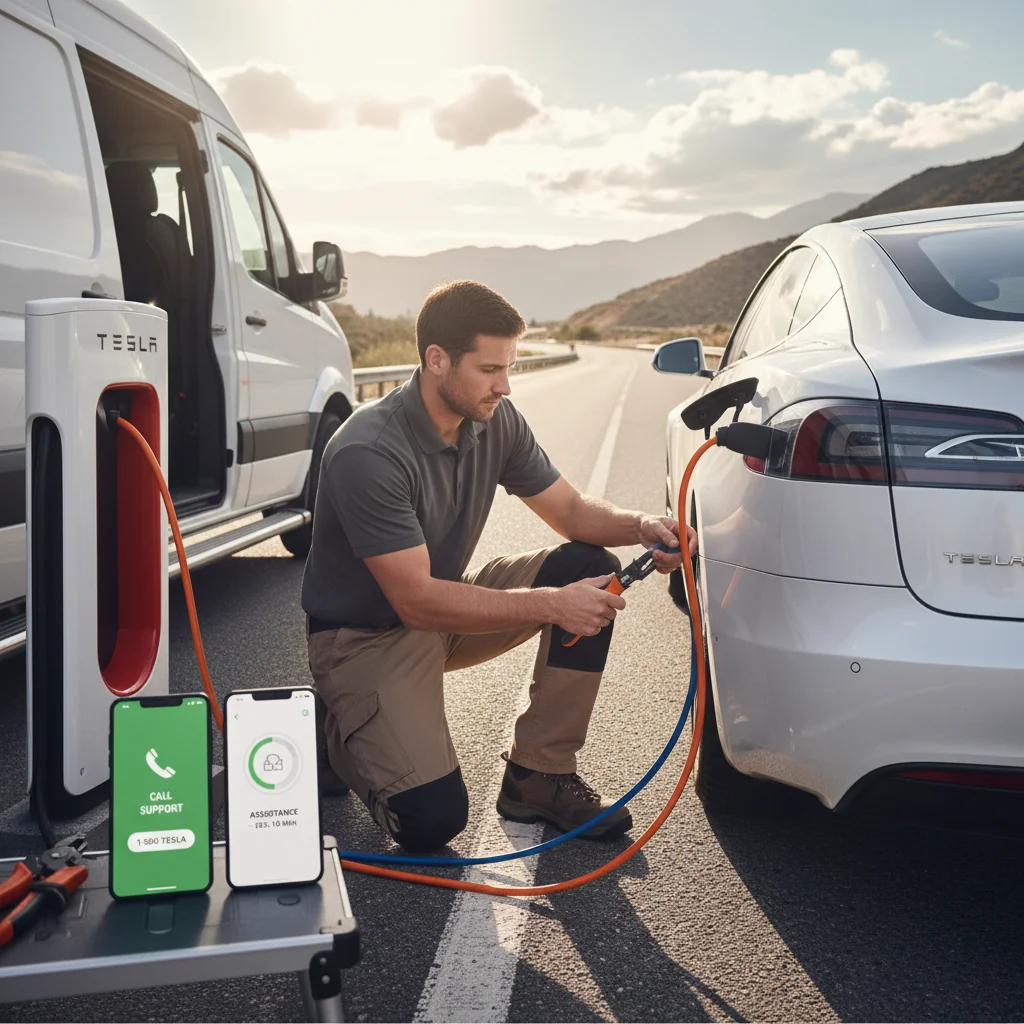
The two ways to reach Tesla roadside in 2026
Tesla gives owners two official contact methods. The first is the in-app roadside request, accessible under the Roadside Assistance tab inside the Tesla mobile app. The second is the Tesla roadside phone number, which routes you to a live agent anywhere in North America.
Both methods connect to the same Tesla Roadside network. The difference is in how much friction sits between you and a dispatched technician.
The app path works like this: you open the app, tap Roadside, select your issue from a menu, confirm your GPS location, and submit. The system logs your request, sends a confirmation, and assigns a provider. Total taps: about six. Total time to submission: under two minutes if your cell signal cooperates.
The phone path works like this: you dial, wait on hold, speak with an agent, describe your problem verbally, confirm your location, and wait for the agent to enter it on their end. On a low-traffic Tuesday afternoon, this might take four minutes. During peak hours, hold times stretch.
One thing both methods share: they rely on Tesla’s contracted provider network, which in the Bay Area can be thinner in outlying areas like the Coastside, the Altamont Pass run on I-580, or the SR-4 corridor east of Antioch.
What the app does that the phone line cannot
The app is not just a faster dial tone. It does things a voice call structurally cannot.
Location pinning. Your GPS coordinates attach to the request automatically. No reading off a mile marker, no guessing which off-ramp you are near. The agent or dispatcher sees a pin on a map the moment you submit. That alone removes the single biggest delay on voice calls: location confusion.
Vehicle diagnostics push. When you initiate a roadside request through the app, Tesla’s system can pull your vehicle’s fault data at the same time. The responding technician often knows whether you are dealing with a 12V battery failure, a charge port lock, or a high-voltage system event before they arrive. If you have ever read about common Tesla 12V battery failure symptoms, you know how useful it is when the tech shows up already knowing the likely culprit.
Documented request trail. The app creates a timestamped ticket. If the provider does not show, you have a record. Voice calls do not generate that paper trail automatically; you would need to ask for a case number and write it down yourself.
No hold music. This sounds small. At 11 PM on I-580 near Livermore, it does not feel small.
The app does have one weak spot: it requires a live data connection. If you are in a dead zone, and the Bay Area has more of them than people expect, especially along the Coastside and the inland valleys east of the Altamont, the app request will not submit. That is when the phone wins.
When the phone number actually wins
There are three real scenarios where calling beats tapping.
First, spotty signal. The app needs a sustained data connection to complete a request. A voice call can go through on one bar where data will not load. If you are on the shoulder near the Bay Bridge approach or parked in a parking structure with poor reception, dial first.
Second, unusual or complex situations. The app menu is built for common problems: out of charge, won’t start, flat tire, locked out. If your situation does not fit a category, say, a trailer hitch is stuck and blocking the charge port, or you have been in a minor collision and are not sure if the vehicle is safe to move, a live agent can triage better than a dropdown menu. Our Tesla roadside policy 2026: what changed page covers what actually qualifies for covered dispatch before you call.
Third, escalations. If you already submitted an app request and nothing has happened in 30-plus minutes, calling with your case number gets you to a supervisor track faster than resubmitting through the app.
For routine situations with a clear cause, dead 12V, out of range, won’t unlock, the app is the right first move. For everything else, have the Tesla roadside assistance phone number saved in your contacts before you ever need it.
Real Bay Area dispatch notes for both
The Bay Area is a coverage gray zone for Tesla’s roadside network. The dense parts, San Francisco, Oakland, Berkeley, have reasonable provider density. The Coastside, the Altamont Pass on I-580, the Sunol Grade on I-680, and Central Contra Costa east of Walnut Creek are a different story.
App-initiated requests in San Francisco proper usually confirm dispatch quickly, though the arrival itself is set by the contracted provider. During the morning commute on I-880 through Hayward or the evening crawl on US-101 through San Mateo, that window can stretch.
Phone-initiated requests in the same urban zones add the hold time on top of that. Best case, you lose a few minutes. Worst case, more.
In outlying areas like Half Moon Bay, the run out to Brentwood, or the East Contra Costa and Delta stretches near Discovery Bay, Tesla’s provider network thins considerably. Dispatch confirmations still come through on the app, but the arrival window frequently extends. No published disabled-vehicle policy for the Bay Bridge toll plaza turned up in this research; confirm current rules on bayareafastrak.org if you stall on the approach.
Neither contact method can fix a thin provider network. That is a geography problem, not a UI problem.
What to do if neither responds in 30 minutes
Thirty minutes without a confirmed ETA is the threshold where you should stop waiting and start acting.
First, check your app for a case number and call the Tesla roadside number with it. Ask specifically for an updated ETA and the name of the dispatched provider. If no provider has been assigned, ask for escalation.
If you are stranded on a freeway shoulder, dial 511 and say Freeway Assist, or use a call box. The Freeway Service Patrol is a partnership of MTC, CHP, and Caltrans. FSP runs Monday through Friday, 6 to 10 AM and 3 to 7 PM. MTC’s FSP page lists gas, jump-starts, and radiator refills. It makes no mention of electric vehicles or out-of-charge help.
If you are off-charge and no rescue is confirmed, a mobile EV charging service is your fastest path to range. Our Tesla roadside rescue connects you with an operator across the Bay Area, and operators carry enough onboard power to get most Teslas from a low pack to a safe drive range in one stop. We are not a backup to Tesla; we are a parallel option that often arrives faster in the areas Tesla’s contractor network covers poorly.
When to call Charge Pro
If you are stranded, out of charge, or dealing with a dead 12V and Tesla’s response window is not cutting it, that is exactly what the operators we work with handle. We connect you with a local operator across the Bay Area: San Francisco, the Peninsula, the South Bay and Silicon Valley, the East Bay core, the Tri-Valley, Central Contra Costa, East Contra Costa and the Delta, and the Coastside.
Call (415) 630-6268 when you want a match to a local operator.