You’re locked out of your own car. Nothing responds. No app, no key card, no phone key. The handles don’t present. That’s almost always the 12V battery. The traction pack can sit at a high state of charge and the car still won’t let you in.
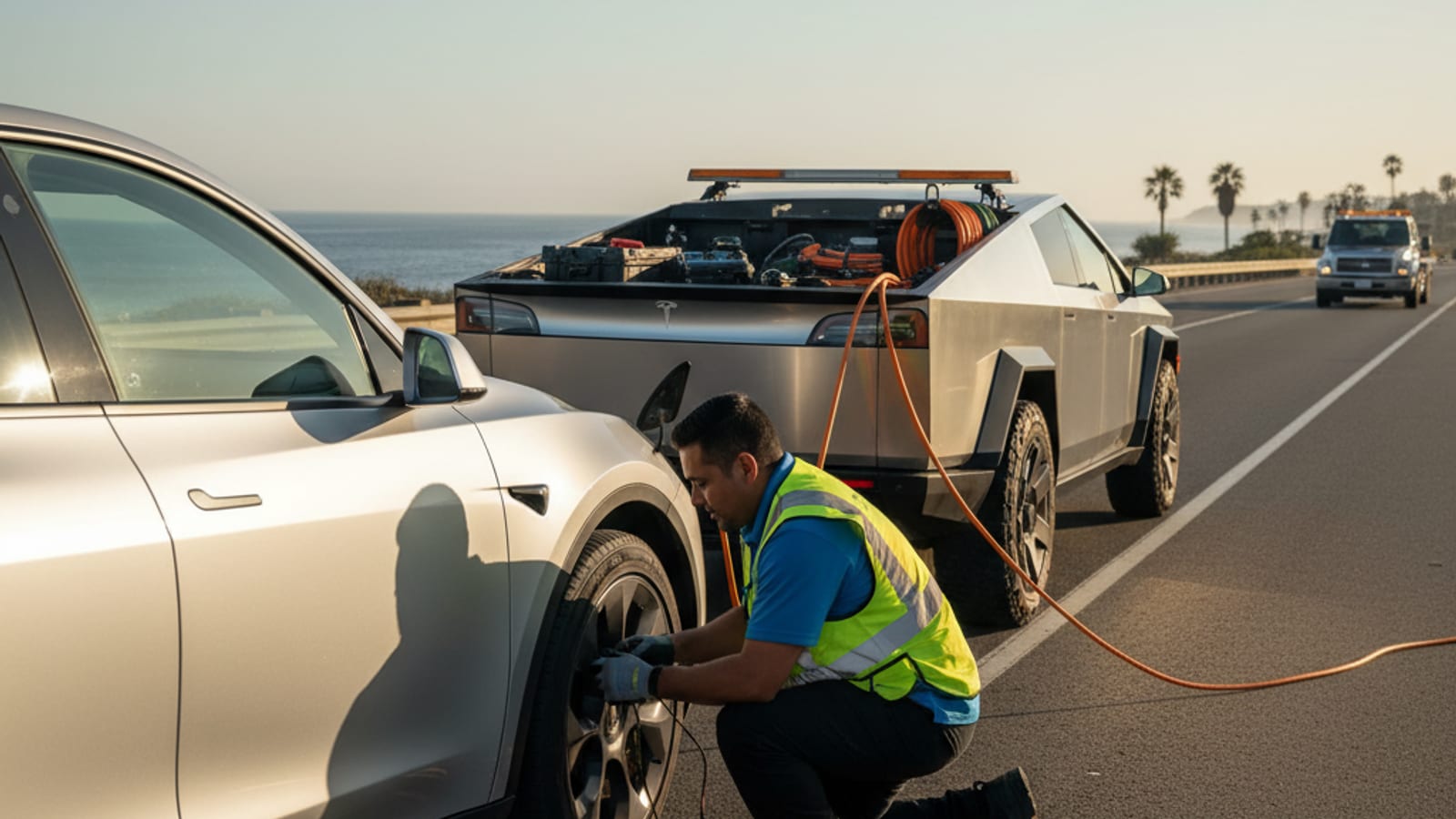
Why a dead 12V locks you out
The 12V battery powers the door latches, the frunk release, the screens, and the contactors that connect the high-voltage pack to the rest of the car. When the 12V dies, the contactors stay open. The handles can’t present. The frunk can’t unlatch. The app can’t reach the car. The big pack is full of energy and none of it can move the car.
The lockout shows up at the worst time. After a SFO long-term park. After a work trip. After a long sit at the curb in front of your apartment in Oakland or Daly City. The 12V drained down while you were away. By the time you walked up, the small battery was below the threshold needed to do anything.
Initial steps before you call
A few things to try before you escalate.
- Try the key card against the B-pillar. Hold it there for a few seconds. If the 12V has just barely enough residual power, the NFC reader may still respond. It often doesn’t, but it’s always worth a try.
- Try the phone key with Bluetooth on. Stand close to the door pillar. Open the Tesla app. If the 12V is on the edge, the app may connect briefly and fail.
- Try the physical key on Model S and Model X. Older S and X cars have a small mechanical key hidden inside the key fob. The mechanical key manually opens the driver’s door. Model 3 and Model Y do not have this feature.
- Don’t panic. This is a known failure with a known sequence. An operator who works on Teslas does this every week.
The goal is to provide external power to the 12V system. Once that’s done, the frunk latch energizes, the doors unlock, and you can reach the real 12V battery.
Accessing the 12V to wake the car
The process varies by model. Always confirm the steps in your specific owner’s manual before connecting anything.
Model 3 and Model Y
- Locate the tow eye cover. Look for a small cover on the front bumper, driver side. It’s a rectangular insert about 2 inches wide.
- Remove the cover. Press one edge firmly. It pops off.
- Identify the jump posts. Inside, you’ll see two leads, a red positive and a black ground. These are the 12V jump start terminals.
- Connect a 12V power source. Use a portable jump starter or another 12V battery with jumper cables. Connect positive to positive, negative to negative.
- Apply power. Hold the connection for 30 to 60 seconds. This should give the frunk latch enough energy to release.
- Open the frunk. Once the frunk pops, disconnect the external power.
Model S and Model X
Newer S and X vehicles (2021+) have similar 12V jump points, often behind a panel near the front grille or under the front bumper. Older S and X may have a manual frunk release cable accessible through the wheel well or under the bumper. Model year and trim vary the location. Always check your specific owner’s manual.
What you’ll need
You’ll need a 12V portable jump starter or another vehicle with jumper cables. Don’t try to feed 48V into a 12V system. Don’t try to feed 12V into a Cybertruck’s 48V system. Match the supply to the system you’re waking.
Once the frunk is open
With the frunk open, you can see the real 12V battery.
- Locate the 12V battery. Remove any plastic covers concealing the unit.
- Connect the jump starter. Connect your portable jump starter or jumper cables directly to the 12V battery terminals. Match polarity.
- Charge the battery. Wait a few minutes for the 12V to take a charge.
- Gain entry. Once the 12V system is sufficiently powered, you should hear a click and the door handles may present. Use your key card to unlock and open the doors.
Caution: If the 12V battery is completely dead or faulty, a simple jump may not hold a charge. The Tesla will likely need a new 12V battery. A failing 12V that won’t hold charge leads to repeated lockouts. For the deeper diagnosis, see how to tell your Tesla 12V is dead, then jump it.
After you’re inside: check the traction pack
Once you’re in the car, look at the state of charge.
- Pack is at a usable level. The car should power on normally. Drive to a shop or your home and get the 12V tested.
- Pack is critically low or zero. A 12V jump won’t add traction energy. You need a charge delivered to the car. An operator in this network brings a 240V Level 2 source with a native NACS plug. CCS or J1772 adapters cover non-Tesla EVs. A typical session adds 10 to 20 miles of range in 15 to 30 minutes of charging time. That’s charging time, not an arrival window.
For the broader case of a Tesla that ran out of charge on a Peninsula run, see out of charge on US-101 or out of charge on the Bay Bridge approach.
Bay Area context for a 12V lockout
Street-parked Teslas dominate the lockout picture. ACS 2019 to 2023 put San Francisco’s pre-1980 housing share at 77.2 percent. Berkeley is 80.8 percent. Oakland is 77.9 percent. Older housing means apartments and flats without assigned charging. A Tesla ends up on the street more often than in a private garage with a plug.
Long airport sits are a recurring call. South San Francisco, San Bruno, and Millbrae ring SFO. A Tesla left for two weeks on the airport shuttle lot can wake up to a dead 12V and a fully locked car. The same stall shows up at hotel lots in Burlingame, San Mateo, and Palo Alto after a work trip.
Inland runs add heat wear. Concord, Walnut Creek, and the Tri-Valley run warmer than the coast. The 12V ages faster in that heat. A 2019 Model 3 in Danville or Antioch is more likely to lock out than the same car in Pacifica.
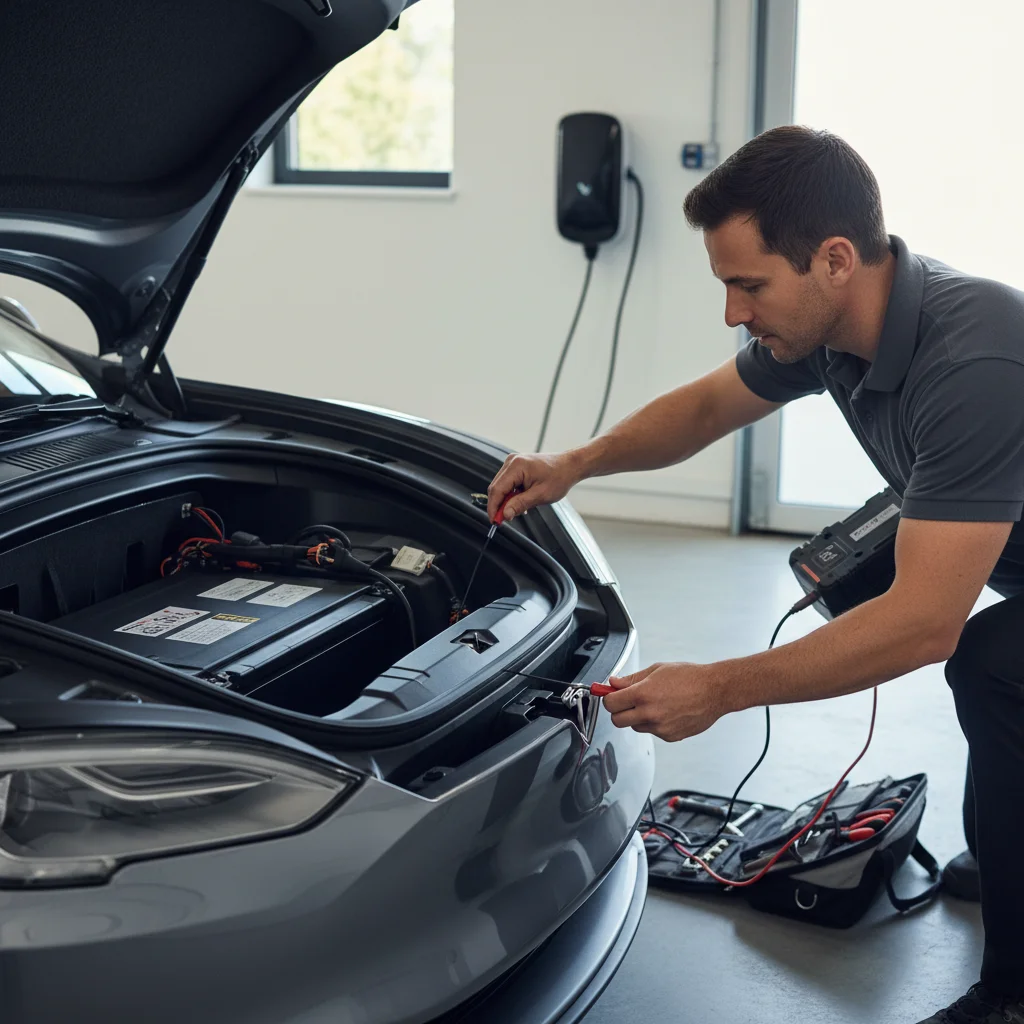
What an operator does on site
A Bay Area operator arrives with a portable 12V supply and a 240V Level 2 source. The work follows a consistent sequence.
Step 1: get into the car. The operator connects to the appropriate jump posts and wakes the 12V. Doors unlock, frunk releases, and the screens come up.
Step 2: read the battery state. Once the car is awake, the operator checks the 12V health and the traction pack state. That determines whether the 12V is a single discharge or a deeper failure.
Step 3: replace if needed. If the 12V won’t hold charge, the operator swaps it on site. Confirm the spec with the operator before they start.
Step 4: add range if needed. If the traction pack reads single digits, the operator delivers a short mobile charge at the same visit.
What to say when you call
Tell the operator the Tesla model and year. Tell them where you’re parked, including the side of the street and the nearest cross street. Mention that the car is fully locked out and the 12V hasn’t woken. If you’re in a parking structure, name the level and the entrance. If you’re on a private lot, mention whether there’s a tow sign already in play.
Stay with the car if you can. A dark, locked Tesla in a residential area is easy to overlook. Hazards don’t work without the 12V, so do what you can to make the car visible from the curb.
Charge Pro SF is a referral line. We don’t own trucks. The pros we connect you with are licensed and insured. We don’t set the price. The operator who takes the job quotes you before any cable goes on. They bill you directly.
Calling from a curb in the Bay Area
We serve every city in the Bay Area. If your Tesla is locked and dark in San Francisco, the Peninsula, the South Bay, the East Bay core, the Tri-Valley, Central or East Contra Costa, or the Coastside, call (415) 630-6268 for a match to a local operator.