A Tesla 12V battery rarely dies without warning. The car almost always signals first. The signals come days before the car goes fully dark, which is why a 12V failure feels sudden even when it wasn’t.
Why the 12V matters even on an EV
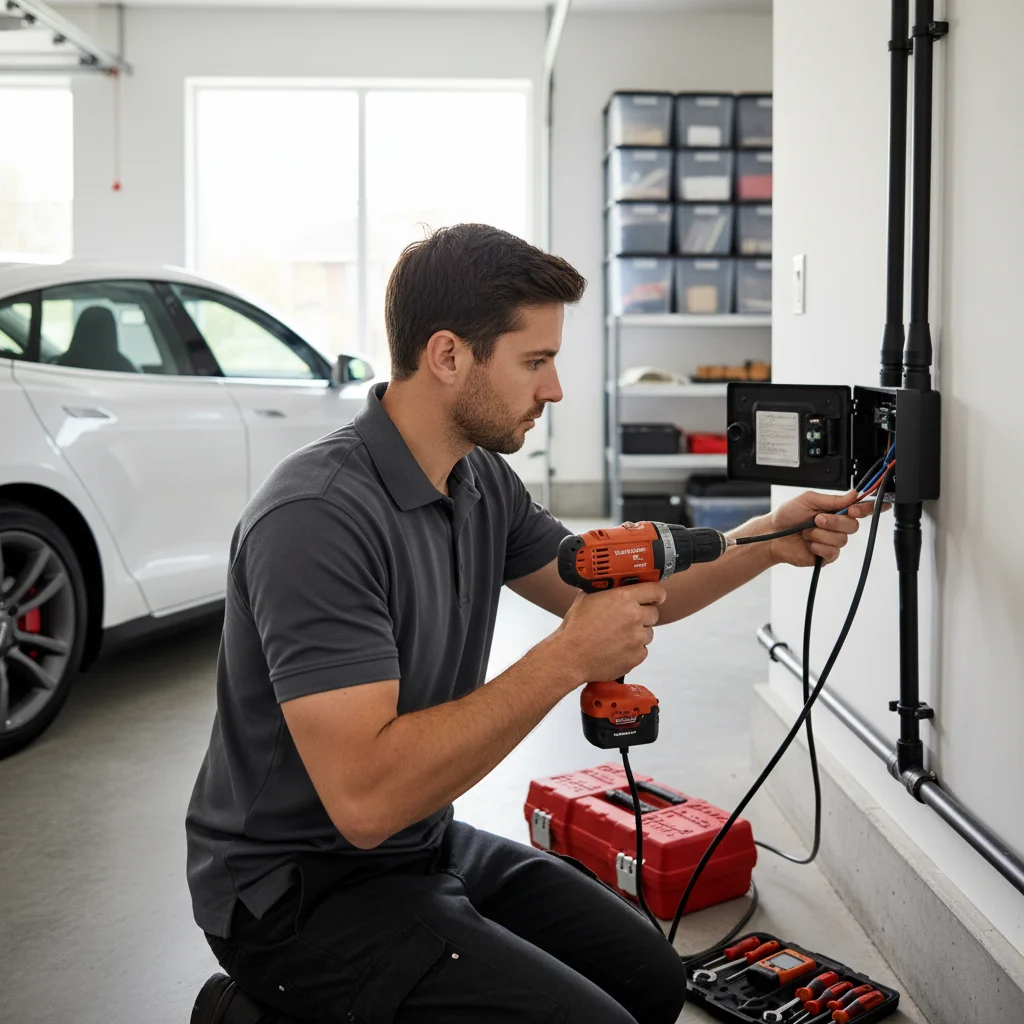
Every Tesla, Model 3, Y, S, X, and Cybertruck, runs a secondary 12V system alongside the main pack. The big battery moves the car. The small battery lets the car turn on. The 12V powers the central computer, door handles, the touchscreen, headlights, hazard lights, and the contactors that connect the main pack to the drivetrain.
Think of it this way: the big battery moves the car, but the 12V battery lets the car wake up. If the 12V dies, the car can’t wake the high-voltage system. A dead 12V leaves you locked out in a parking spot in SoMa or on a curb in San Bruno, even with a full pack on the app.
Tesla originally used sealed lead-acid 12V batteries. Since late 2021, most new Teslas ship with a lithium-ion 12V, lighter, longer-lived, and better at handling the constant parasitic draw of Tesla’s always-on computers.
The warning signs that show up first
These aren’t random quirks. Each one points specifically to low-voltage stress on the car’s electronics.
A yellow or red 12V alert on the touchscreen
This is the most direct warning. Tesla’s BMS monitors 12V voltage in real time. When it drops below a threshold, the touchscreen displays a yellow or red alert. Yellow means degraded. Red means act now. Don’t dismiss either one.
Slow or failed door handle response
On Model S and X, the powered door handles extend when you approach. A sluggish or failed response to your key fob is often the first physical symptom owners notice. On Model 3 and Y, the interior handle electronics can also feel laggy under low voltage.
Key fob or phone key lag
Your key communicates through the car’s Bluetooth and low-voltage hardware. If unlocking feels slower than usual, a 2 to 3 second delay where there used to be none, that lag often traces back to the 12V struggling to keep the BMS and communication modules responsive.
Touchscreen reboots or goes dark without warning
The infotainment system needs steady 12V power. Spontaneous reboots, a black screen that recovers on its own, or a screen that takes unusually long to load after you enter the car are all red flags.
Frunk or trunk won’t open from the app or buttons
The frunk actuator is powered by the 12V system. If the button on the touchscreen or the Tesla app can’t open the frunk, or it opens slowly and partially, low 12V voltage is a common cause. This one is more surprising because it feels unrelated to a battery problem.
Charge port light behaves oddly
The charge port LED ring is controlled through low-voltage circuits. If it flickers, pulses erratically, or doesn’t light up when you plug in, don’t assume it’s a charging issue. Check the 12V first.
Phantom drains faster than normal
All Teslas experience some overnight vampire drain from the main pack. If your car is losing range at an unusual rate while parked, and you haven’t changed any settings, the DC-DC converter may be working overtime to compensate for a weak 12V that can’t hold charge.
Car takes longer to wake from sleep
Press the brake, tap the screen, or open the door. A healthy Tesla wakes in under a second. A car whose 12V is fading may take 5 to 10 seconds to become responsive. Owners often describe it as the car feeling “groggy.”
Multiple unrelated errors at once
Low 12V voltage causes cascading faults. You might see a parking brake warning, a stability control alert, and an HVAC error all at the same time. None of them feel related, but they share a root cause. When you see a cluster of unrelated errors with no obvious trigger, suspect the 12V before anything else.
If you’re past symptoms and already staring at a car that won’t wake up at all, see how to tell your Tesla 12V is dead, then jump it.
Lead-acid versus lithium 12V
Whether you have a lead-acid or lithium 12V matters for two reasons: how long it lasts and how it fails.
Lead-acid (pre-late 2021 Teslas): These are the same sealed AGM batteries used in traditional cars. They typically last 3 to 5 years. The Bay Area’s mild coastal climate helps, but heat accelerates lead-acid degradation. Move inland and the July average high jumps: Livermore at 89.7F, Antioch at 90.4F, Gilroy at 88.3F, all on the 1961 to 1990 NWS normals. Inland heat shortens lifespan. Lead-acid batteries tend to fail gradually, which means the symptoms above usually appear weeks or months before full failure. That’s your window.
Lithium-ion 12V (late 2021 and newer): Tesla’s lithium 12V is smaller, lighter, and handles the constant low-level draw from the car’s computers more gracefully. It also tolerates a wider voltage range. When lithium 12V units fail, they tend to fail faster and with less warning than lead-acid. Symptom windows are shorter.
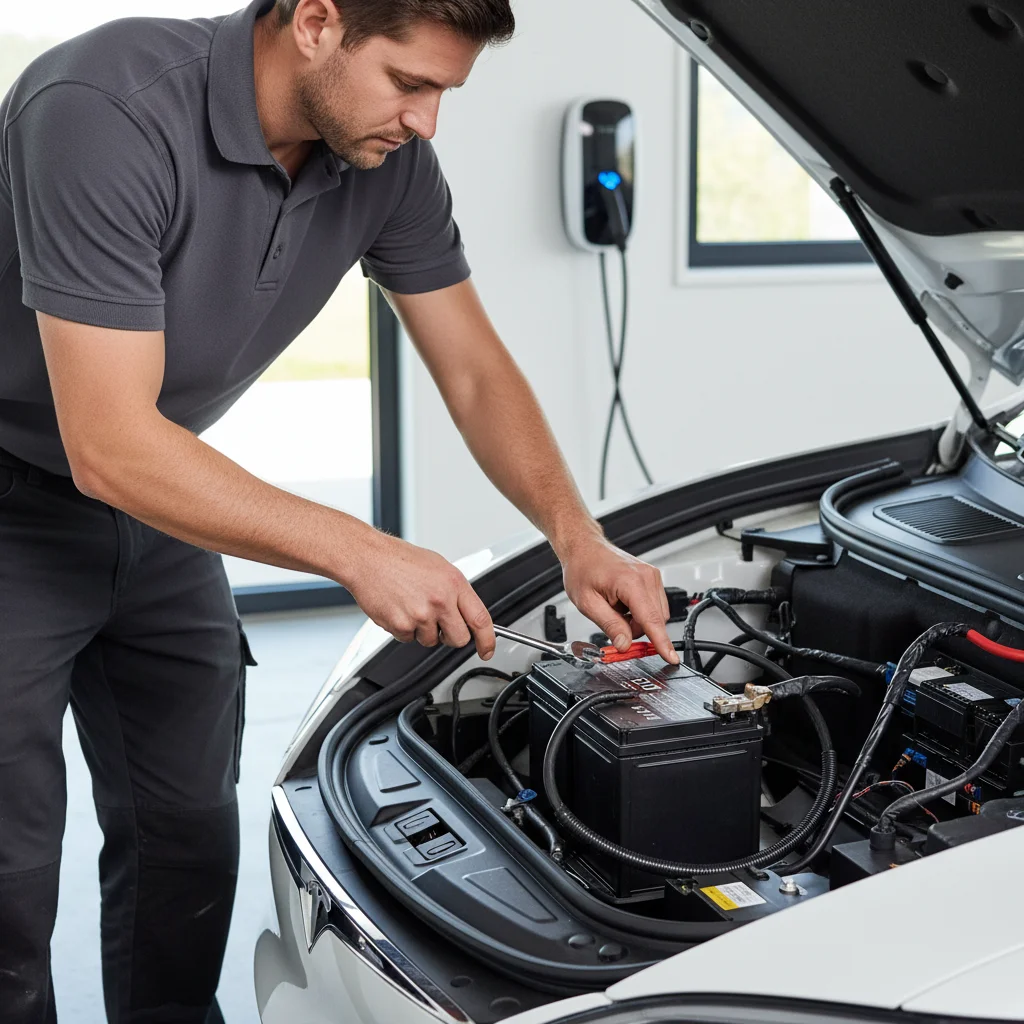
To check which battery your car has, open the frunk and look at the unit itself. Lithium 12V batteries are noticeably smaller, roughly the size of a hardcover book. Lead-acid units are larger with a vent port on the top.
What to do the moment you see a warning
Speed matters. A 12V warning isn’t like a low tire pressure alert you can monitor for a week. Here’s the right sequence.
First, don’t ignore it. A yellow 12V battery alert means the battery is below optimal threshold. You likely have days, not weeks.
Second, schedule service. Confirm the spec with a qualified EV shop or Tesla service. If your car is in warranty, this is a straightforward replacement. Out of warranty, the cost varies by model, year, and chemistry. Confirm the quote with whoever does the work. We’re not publishing a number here because we couldn’t confirm one for every Bay Area shop and provider in this pass.
Third, reduce unnecessary drain. Turn off Sentry Mode. Disable cabin overheat protection if the weather allows. Avoid leaving the app open, which keeps the car awake and increases DC-DC converter cycling. These steps won’t fix a failing battery, but they reduce the odds of waking up to a completely dead car before you get it serviced.
Fourth, know where you can get a jump. If the 12V dies completely, your Tesla won’t wake up. The high-voltage main pack is useless. You need a 12V jump from an external source applied to the jump posts. On Model 3 and Y, the jump posts are behind a small cover on the front bumper. On Model S and X, they’re in the frunk itself. If you’re not certain, don’t guess. The Tesla 12V jump service is built for that moment.
Bay Area context for the warning signs
Street parking sets up the failure mode. San Francisco’s ACS 2019 to 2023 housing share for pre-1980 stock is 77.2 percent. Berkeley sits at 80.8 percent. Oakland is 77.9 percent. Older housing means apartments and flats without assigned charging. A Tesla ends up on the street more often than in a private garage with a plug, and the 12V does its slow drain where the car sits.
SFO long-term parking is a recurring pattern on the Peninsula. South San Francisco, San Bruno, and Millbrae ring the airport. A Tesla left for two weeks on the airport shuttle lot is a classic 12V no-start. The warning signs may have started before you flew out.
Inland parking has a different pressure. Concord, Walnut Creek, and the Tri-Valley run warmer than the coast. The 12V ages faster in that heat. A 2019 Model 3 in Danville or Antioch is more likely to start showing signs than the same car in Pacifica.
Calling before the warning turns into a no-start
If you’re seeing multiple symptoms at once, your car won’t wake up, or you’re parked somewhere in the Bay Area with a Tesla that’s already unresponsive, that’s our call to make. The operators we send handle dead 12V jumps, out-of-charge recoveries, and stranded EV situations across the metro, from the Marina to Mission Bay to Mountain View to Fremont. We serve San Francisco, the Peninsula, the South Bay, the East Bay core, the Tri-Valley, Central and East Contra Costa, and the Coastside.
Charge Pro SF is a referral line. We don’t own trucks. The pros we connect you with are licensed and insured. The operator who takes the job quotes you before any cable goes on. Call (415) 630-6268 for a match to a local operator.